Paying More Doesn't Mean Hurting Less: The Real Science Behind Mouse Ergonomics

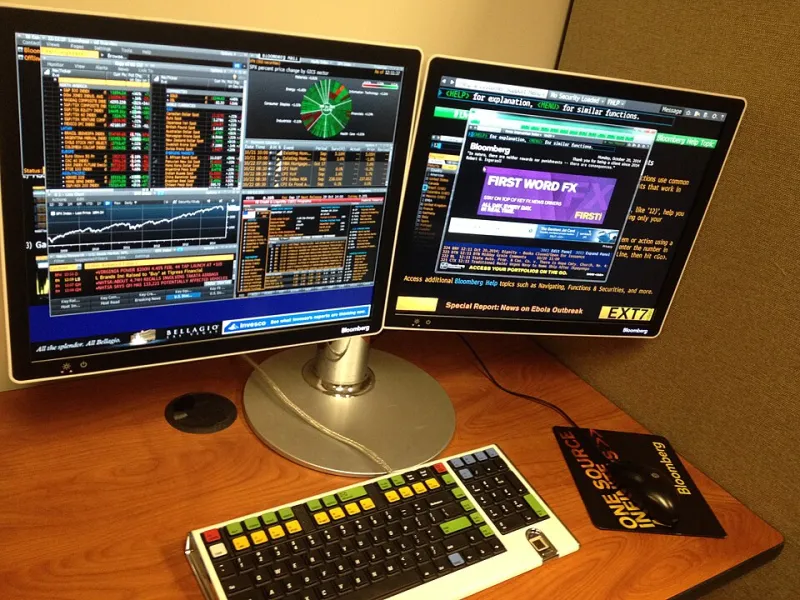
Photo: Unknown authorUnknown author, Public domain, via Wikimedia Commons
The Price Tag Illusion
Here's a scenario that plays out more often than most people admit: you drop serious money on a flagship gaming mouse—maybe it's got a premium sensor, a sleek shape, and a brand name that dominates every "best of" list online. A few months later, your wrist is aching by 3 p.m. and you're Googling carpal tunnel symptoms at midnight.
What went wrong?
The uncomfortable truth is that ergonomic marketing in the peripheral industry is largely unregulated and often disconnected from actual biomechanical research. Companies throw around terms like "anatomically optimized" and "fatigue-reducing design" without citing a single peer-reviewed study. That's not necessarily malicious—it's just how product marketing works. But for the people spending eight or more hours a day on a computer, whether you're grinding ranked matches or managing trading dashboards, it matters.
Let's get into what actually causes wrist and forearm strain, and how to evaluate a mouse in a way that goes beyond specs and brand hype.
What Actually Causes Repetitive Strain at the Desk
Repetitive strain injuries (RSI) like carpal tunnel syndrome and tendinitis don't come from one bad mouse. They develop over time through a combination of factors:
Ulnar deviation — When your wrist bends outward to reach a mouse positioned too far from your body centerline, the tendons in your forearm are under constant low-grade stress. This is one of the most common and least-discussed contributors to desk-related wrist pain.
Sustained pronation — Your forearm is naturally in a neutral position when your thumb points up. Using a flat mouse forces your forearm into full pronation (palm-down), which compresses the muscles along the inside of your forearm over time. Vertical mice address this, but they're rarely marketed to gamers despite being biomechanically sound for many users.
Grip tension — People grip mice harder than they realize, especially during high-stress moments in games or volatile market sessions. A mouse that's slightly too small or too slippery increases grip tension, which contributes to fatigue faster than almost any other variable.
Wrist extension — If your mouse is too tall for your grip style, your wrist bends upward to accommodate it. That sustained extension compresses the carpal tunnel and puts strain on the extensor tendons.
None of these variables are solved by a higher price point. They're solved by fit.
The Grip Style Variable Nobody Talks About Enough
There are three broadly recognized grip styles: palm, claw, and fingertip. Most enthusiast communities know this. What's less discussed is how dramatically grip style should change what you look for in a mouse shape.
Palm grip users need a mouse with enough length and rear hump height to support the full hand. If the rear of the mouse doesn't cradle your palm, you're hovering—which means your hand muscles are doing constant low-level work to maintain position. For palm grippers with larger hands (roughly 7.5 inches and above from wrist crease to middle fingertip), many "ergonomic" mice are actually too short.
Claw grip users put the most pressure on the first two fingers and the rear palm contact point. For this group, a mouse that's too tall at the rear causes hyperextension of the fingers. Medium-height mice with a relatively flat front profile tend to work better.
Fingertip grip users are often the least well-served by so-called ergonomic designs. Most ergonomic mice are shaped for palm or claw use. Fingertip grippers typically do better with lighter, shorter mice that don't force the fingers into awkward angles.
The takeaway: an ergonomic mouse for someone else might be the wrong mouse for you. Shape matters more than the word "ergonomic" on the box.
How to Actually Evaluate a Mouse for Comfort
Here's a practical checklist you can use when evaluating any mouse, regardless of price:
1. Measure your hand. Length from wrist crease to tip of middle finger, and width across the knuckles. Most manufacturers publish mouse dimensions. Use them.
2. Identify your grip style. If you're unsure, pay attention next time you're deep in a session. Where does your palm contact the mouse? Are your fingers arched or flat?
3. Check the height-to-length ratio. A mouse that's tall relative to its length encourages wrist extension for palm grippers. A mouse that's too flat can cause fingertip compression for claw grippers.
4. Evaluate button resistance. Clicks that require too much force increase finger flexor fatigue. This is rarely listed in specs, which is why reading hands-on reviews from people who log long sessions is valuable.
5. Consider your desk setup. Mouse pad surface, desk height relative to your elbow, and armrest position all interact with your mouse choice. A mouse that feels great at a standing desk might be wrong for a low-surface setup.
6. Weight is not a comfort feature. Lighter mice reduce fatigue during fast movements, but a mouse that's too light can actually cause grip tension as your hand works to control it precisely. Weight preference is individual.
The Marketing Claims Worth Skipping
A few phrases to be skeptical of when shopping:
- "Clinically tested" — Ask tested by whom, on how many participants, and what the methodology was. This phrase almost never comes with citations.
- "Reduces fatigue" — Compared to what? This is a relative claim that requires a baseline to be meaningful.
- "Designed for all-day use" — Every mouse company says this. It tells you nothing about fit.
- "Textured grip for control" — Texture that increases friction can actually increase grip tension. More grip isn't always better.
The Bottom Line
If your wrist hurts, buying a more expensive mouse is unlikely to fix it. What might fix it is finding a mouse that matches your hand size, grip style, and desk configuration—and pairing that with reasonable session breaks and some attention to your overall posture.
The best mouse for your wrists might be a $40 option that fits your hand perfectly, or it might be a $150 option with the right shape for your grip. Price is a proxy for sensor quality, build quality, and software features. It is not a proxy for fit.
Do the measurements. Read the hands-on impressions from long-session users. And stop letting marketing copy convince you that spending more is the same as taking care of yourself.