Hot Swap: Inside the Pro Esports Ritual of Keeping a Backup Mouse on Deck
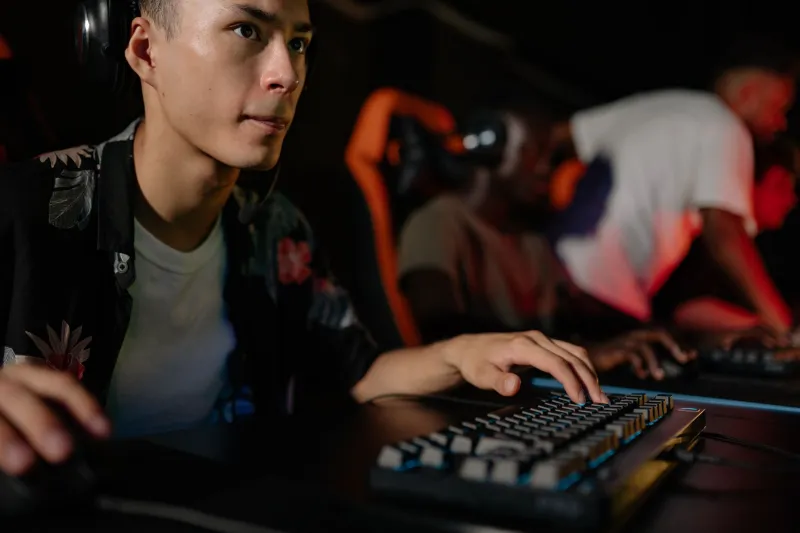
Imagine you're deep into a semifinal bracket. Your team is up one map, the crowd is loud, and your mouse starts feeling... off. Not broken, not obviously malfunctioning — just different from how it felt two hours ago. Your grip is slipping slightly. Your flicks feel a hair delayed. Something is wrong, but you can't put a finger on it.
For casual players, the answer is simple: push through it. For pro esports athletes competing for five- and six-figure prize pools, that's not an acceptable answer. Which is why a growing number of teams are doing something that sounds almost obsessive to outsiders: carrying multiple identical mice to every tournament and swapping them out mid-competition on purpose.
This isn't a backup plan for when hardware breaks. It's a deliberate, rehearsed strategy — and it's reshaping how serious competitors think about gear reliability.
Why One Mouse Isn't Enough Anymore
The core issue comes down to something most casual players never think about: mice change during play. Not dramatically, but enough to matter at the top level.
Sweat and humidity are the big culprits. During high-stakes matches, players' hands get warm and moist. That changes the friction coefficient between palm and shell, which subtly alters grip pressure and hand positioning. Over the course of a long tournament day — multiple maps, multiple series — a mouse that felt perfectly dialed in during morning warm-ups can feel meaningfully different by the time you hit the grand finals.
Then there's sensor drift. Most modern gaming mice use optical sensors that are incredibly accurate under normal conditions, but heat, dust, and surface contamination can introduce micro-inconsistencies in tracking. It's not dramatic enough to show up on a benchmark, but players who have trained thousands of hours on a specific feel will notice it.
Coaches and analysts at the org level are now treating these variables the same way a tennis player treats string tension or a golfer treats club selection — as performance factors that can and should be managed.
The Identical Clone Strategy
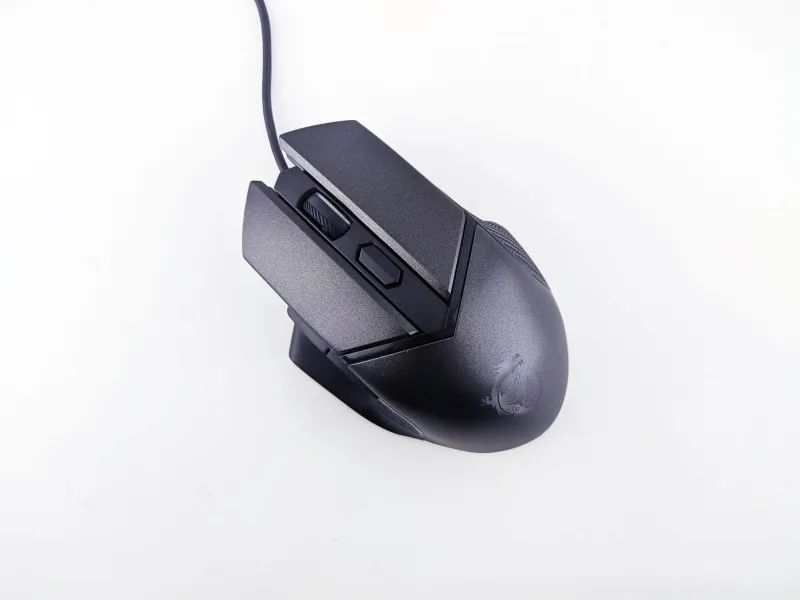
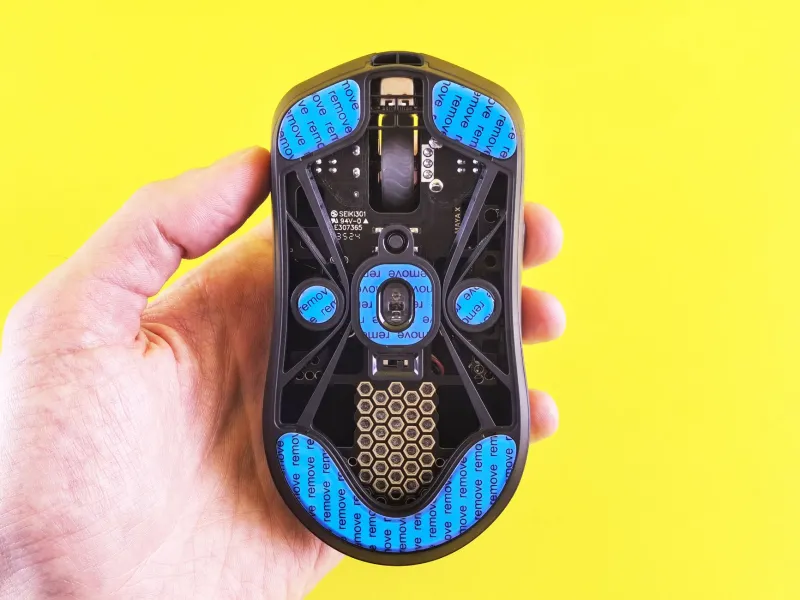
Here's where it gets interesting. The teams doing this aren't just grabbing any spare mouse. They're sourcing multiple units of the exact same model, sometimes from the same production batch, and running them through identical setup processes — same software settings, same skate wear-in period, same paracord cable treatment if they're wired.
The goal is interchangeability. If a player swaps to their backup mid-tournament, the transition should feel like nothing happened. That requires a level of preparation that most players outside of Tier 1 competition never bother with.
Some organizations go even further, having players rotate between their primary and backup during practice weeks specifically so neither device develops a dramatically different wear profile. The idea is that both mice stay "current" rather than one being pristine and the other being a stranger the player has never really used.
The Psychology of the Mid-Match Swap
This is where things get complicated. Even if a backup mouse is technically identical, switching devices mid-match introduces a psychological variable that's hard to quantify.
Some players report that swapping actually helps — it resets their mental state, gives them a brief moment of focus during the transition, and eliminates the nagging distraction of wondering whether their primary device is the problem. It's a known quantity replacing an unknown.
Others find the swap disruptive regardless of how well-prepared they are. Muscle memory is deeply tied to tactile feedback, and even a tiny perceived difference — a slightly different surface texture from a newer shell, a marginally different scroll wheel resistance — can pull a player's attention away from the game itself.
Coaches who've implemented backup protocols say the psychological benefit only kicks in when players have practiced the swap extensively. Teams that try to introduce this approach at a live event without prior rehearsal tend to see it backfire. The swap becomes a distraction rather than a solution.
How This Differs from the Average Player's Approach
For most gamers, gear reliability means buying one good mouse and trusting it. If something goes wrong, you troubleshoot. Maybe you clean the sensor, maybe you update firmware, maybe you swap out the cable. The idea of intentionally rotating between identical devices as a performance optimization just doesn't register as necessary.
And honestly, for most play contexts, it isn't. The performance deltas created by grip fatigue and sensor drift are real but marginal — we're talking about differences that matter when you're competing against players who are also performing at their absolute ceiling. For ladder grinding, casual play, or even semi-competitive settings, a well-maintained single mouse is completely fine.
But understanding why pro teams do this is useful for any serious player. It forces you to think about your mouse not as a static tool but as a dynamic piece of equipment that changes with use and environmental conditions. That mindset shift alone can improve how you maintain and evaluate your gear.
What Tournament Organizers Are Dealing With
There's also a logistical dimension to this that doesn't get talked about much. Major LAN events — your ESL Pros, your Majors, your Championship Series events — have to accommodate players who show up with gear cases that look like a surgeon's kit. Tournament staff are increasingly familiar with players swapping peripherals mid-series, and most top-tier events have protocols for it.
What's less standardized is how teams handle device registration and anti-cheat verification when a swap happens. Some events require pre-approval of all hardware a player intends to use. Others are more flexible. It's an evolving area, and as the backup mouse strategy becomes more common, expect event organizers to formalize their policies around it.
What This Means for Gear Selection
If you're taking your game seriously — competitive leagues, local LANs, online tournaments — the backup mouse strategy has some practical takeaways even if you're not competing at the pro level.
First, when you find a mouse that works for you, consider buying two. Not immediately, but before that model gets discontinued or a new revision quietly changes the shell geometry. Availability isn't guaranteed, and finding an identical unit six months from now can be harder than it sounds.
Second, don't let your backup sit untouched. Use it occasionally so it develops a similar wear profile to your primary. A completely fresh mouse feels different from a broken-in one, and that difference will be jarring if you ever need to swap under pressure.
Third, think about your grip and hand conditions during long sessions. If you notice your control degrading after an hour of play, it might not be fatigue — it might be moisture changing how your hand interfaces with the mouse. A quick break, a dry cloth, or yes, a fresh device can reset that.
The pros are treating their mice like athletes treat their equipment: with intention, preparation, and respect for the variables that most people ignore. Whether you're chasing a championship or just trying to hit a new rank, that mindset is worth borrowing.